The Uniform Appraisal Dataset (UAD) 3.6 form redesign is available for order placement in Appraisal Firewall. This guide explains how to place an appraisal order on the UAD 3.6 form and what the new data fields look like.
Content Includes:
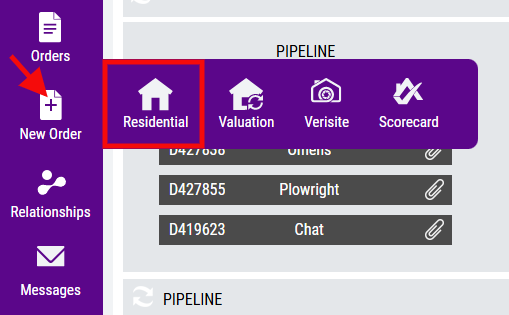
Users can access the UAD 3.6 form directly through the Residential portion of the New Order navigation menu.
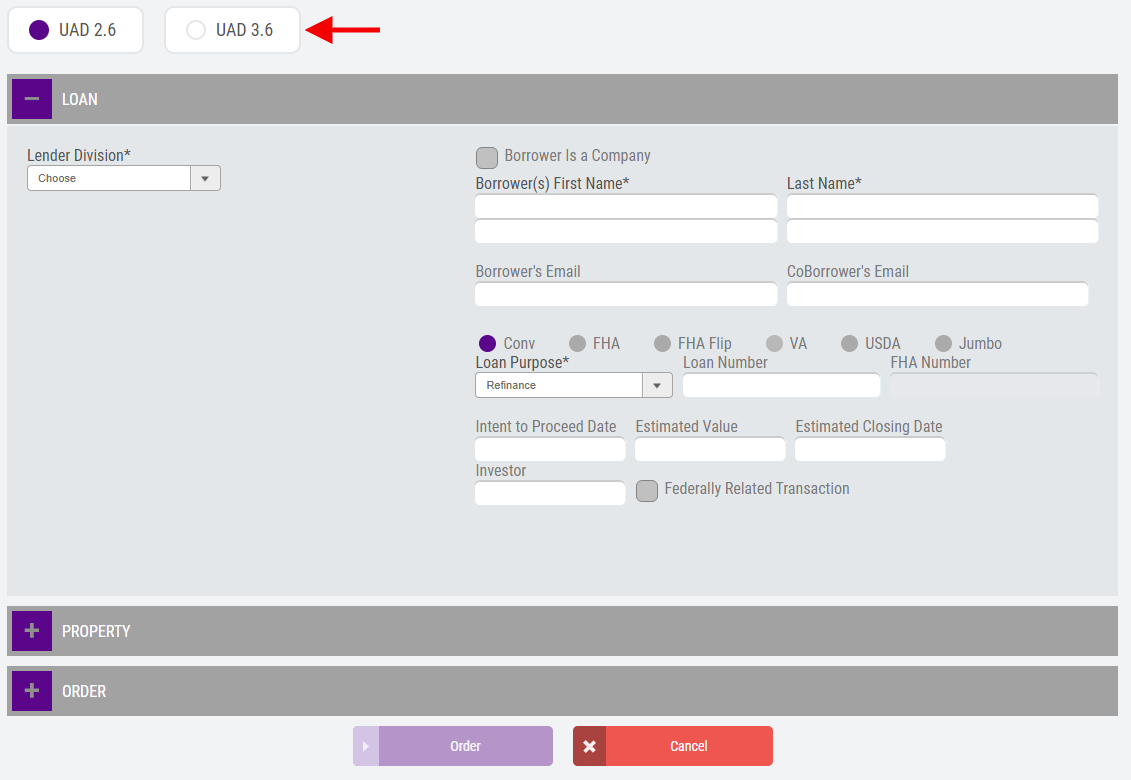
By default, UAD 2.6 (current version) will be enabled. Choose UAD 3.6 to upgrade to the new order form.
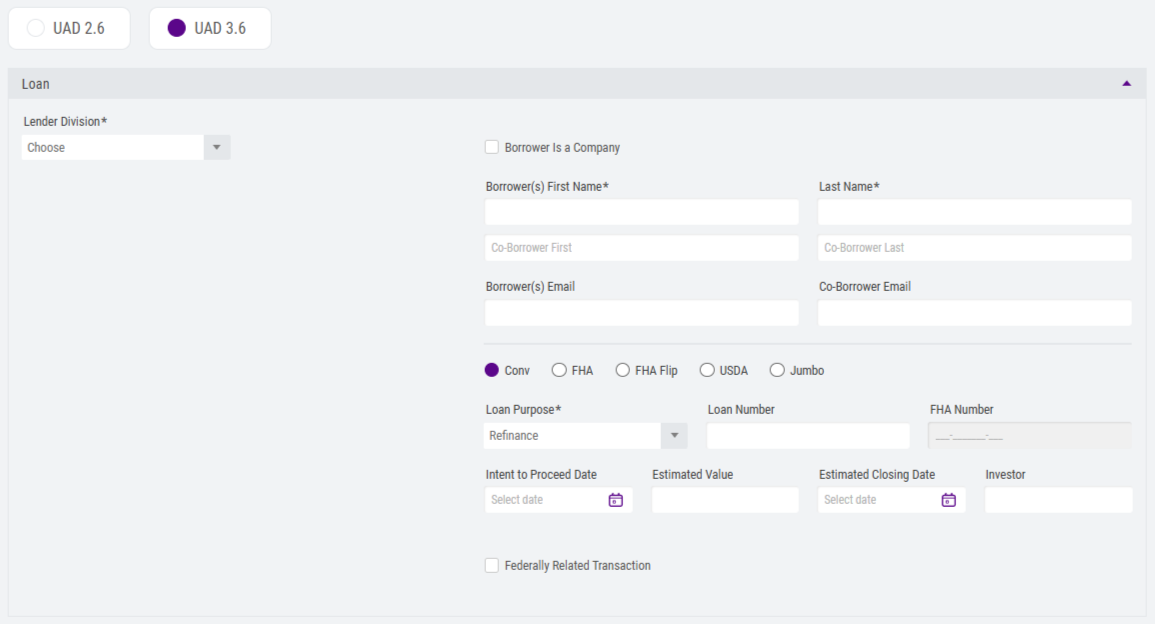
The UAD 3.6 form follows the same look and workflow as the current UAD 2.6 form, with various modifications in place. Any field designated with an asterisk (*) is a required field.
LOAN
Within the LOAN section, users that have access to multiple divisions will need to select which division the order will be placed under. If the user is only affiliated with one division, the division dropdown menu will not be present, as the system will automatically place the order said division. 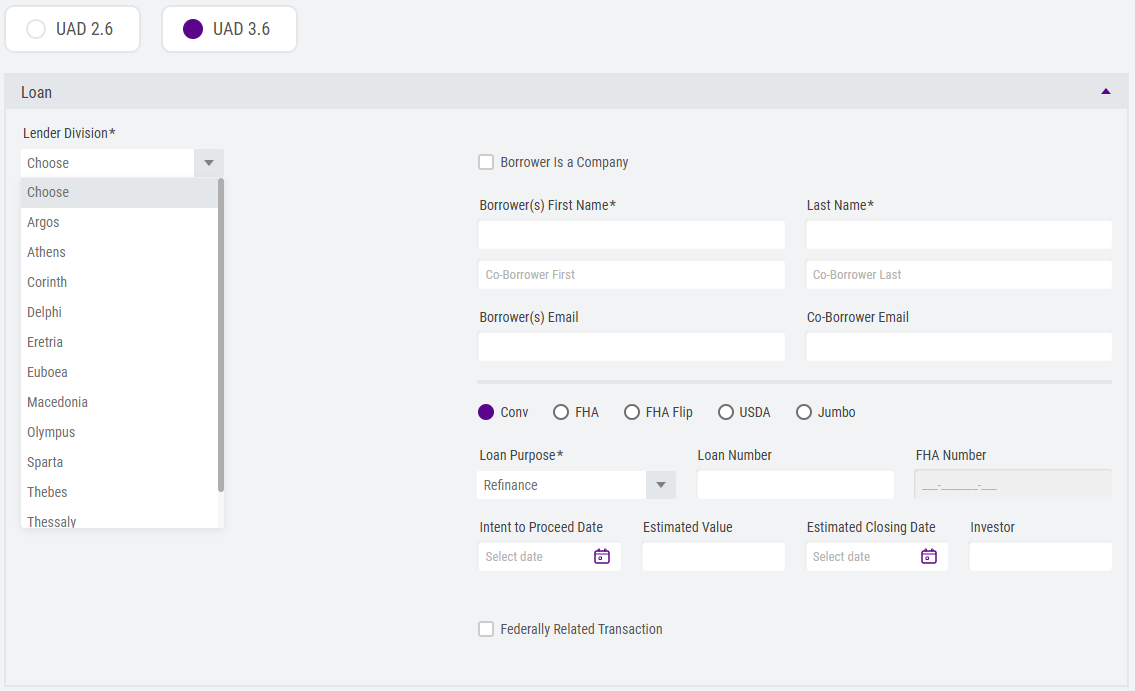
Add any users that should be associated with the order. NOTE: the user creating the order will automatically be included under the Available Users section.
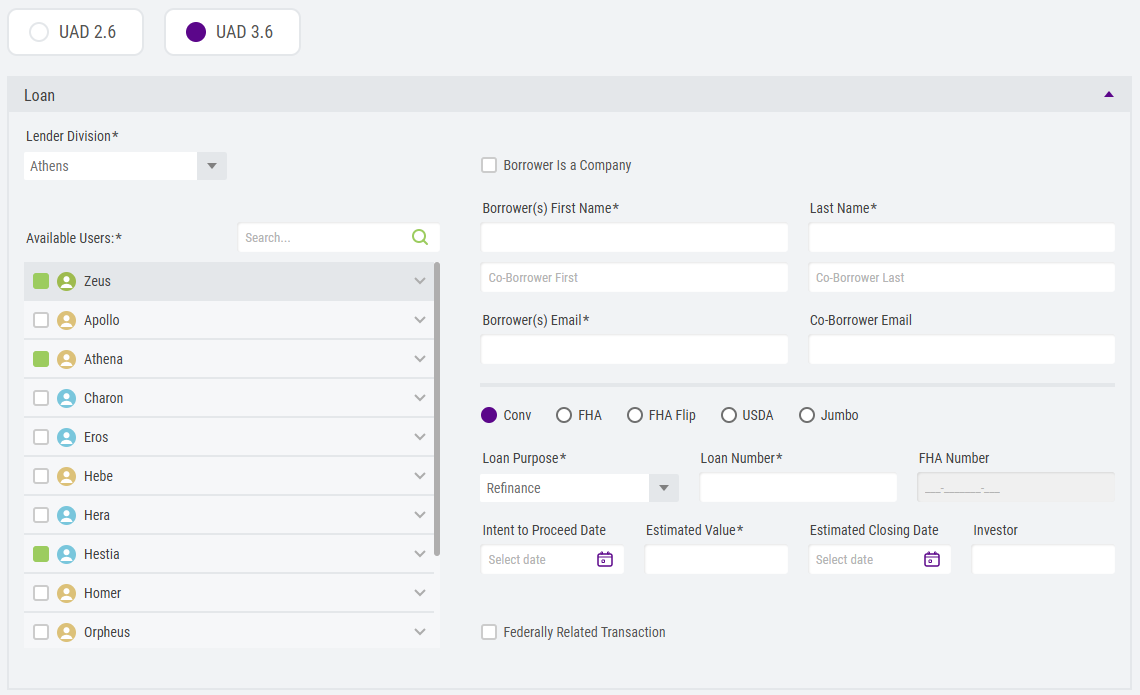
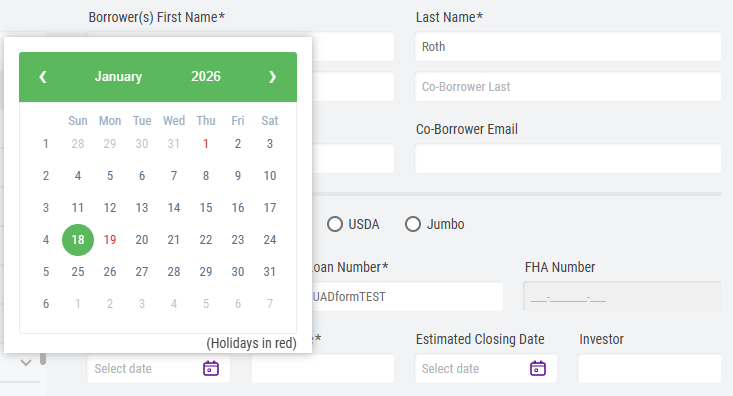
Fill out the required and necessary fields. Users will notice the calendar plugins have been enhanced. These function exactly the way as the UAD 2.6 form does, with a sleeker look.
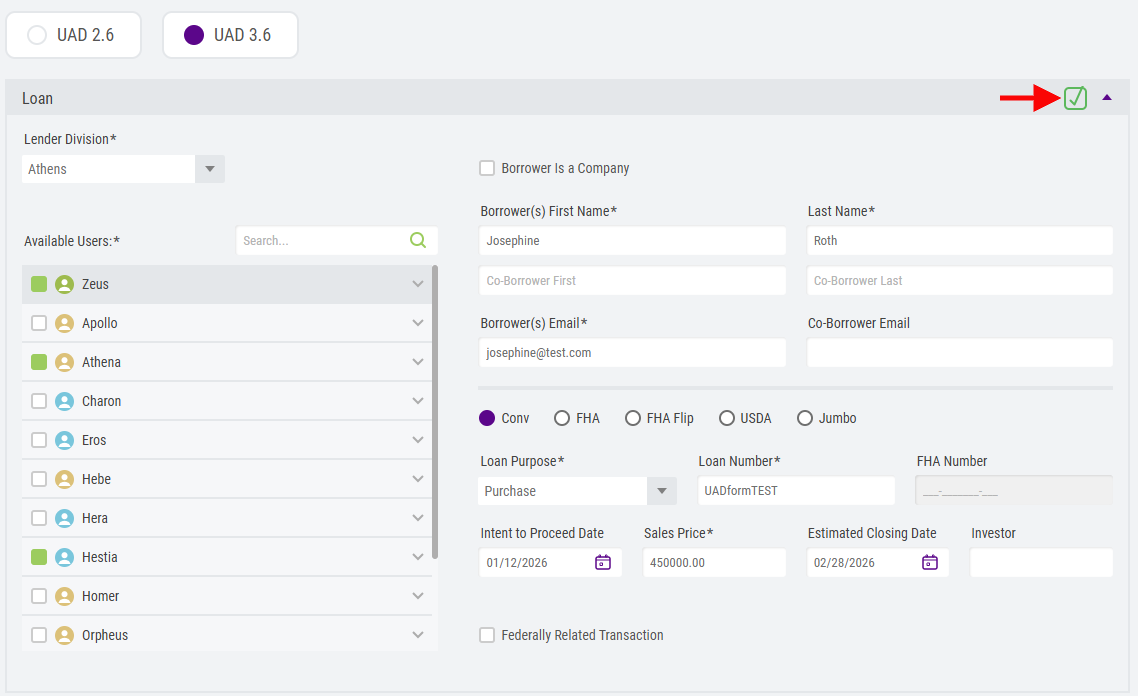
Once all required fields have been provided, a green checkmark in the upper right-hand side of the section will be displayed.
PROPERTY
The Property section has been updated to align with the new UAD 3.6 data fields, as shown below. Fill out the required and necessary fields. Any required fields that have not been entered will display a red message indicating they must be entered. 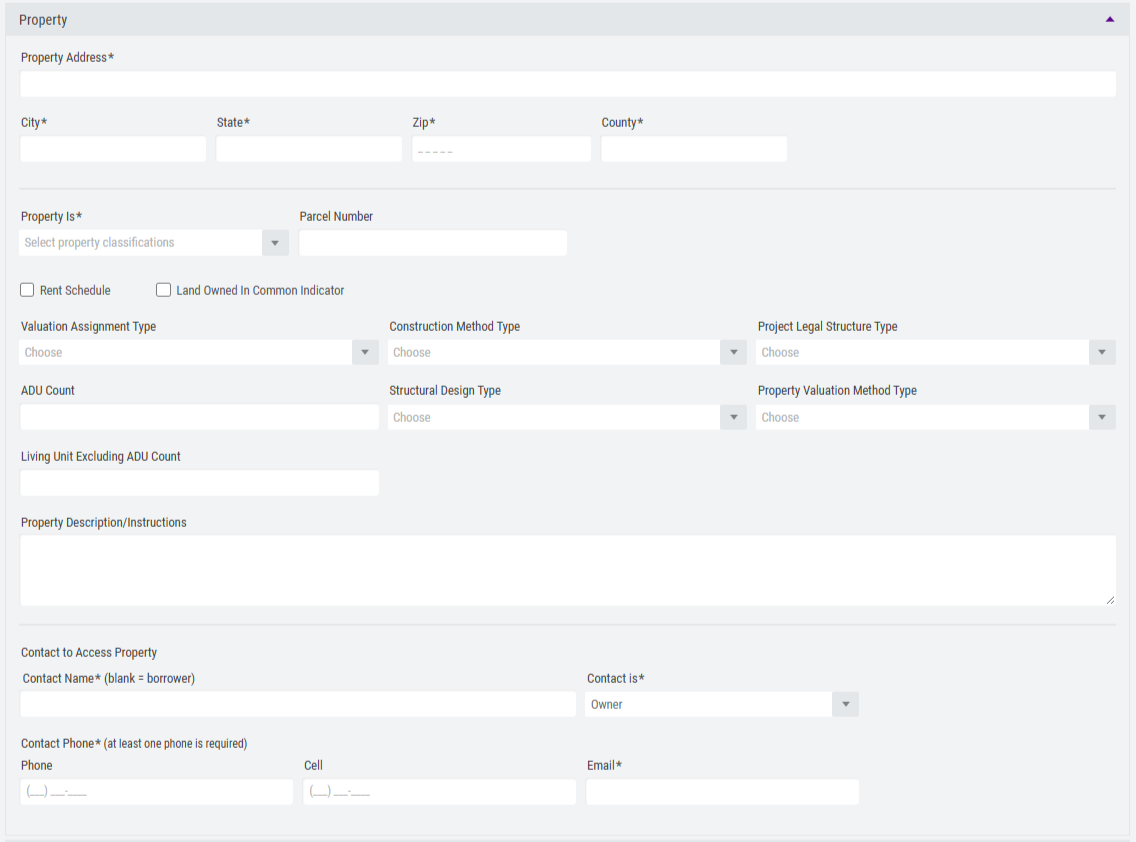 UAD 3.6's new fields offer additional data points, so your appraisers have more upfront information to truncate the research time for the subject property. NOTE: Property Is will be required on all UAD 3.6 forms. Once all required fields have been provided, a green checkmark in the right-hand side of the section will be displayed.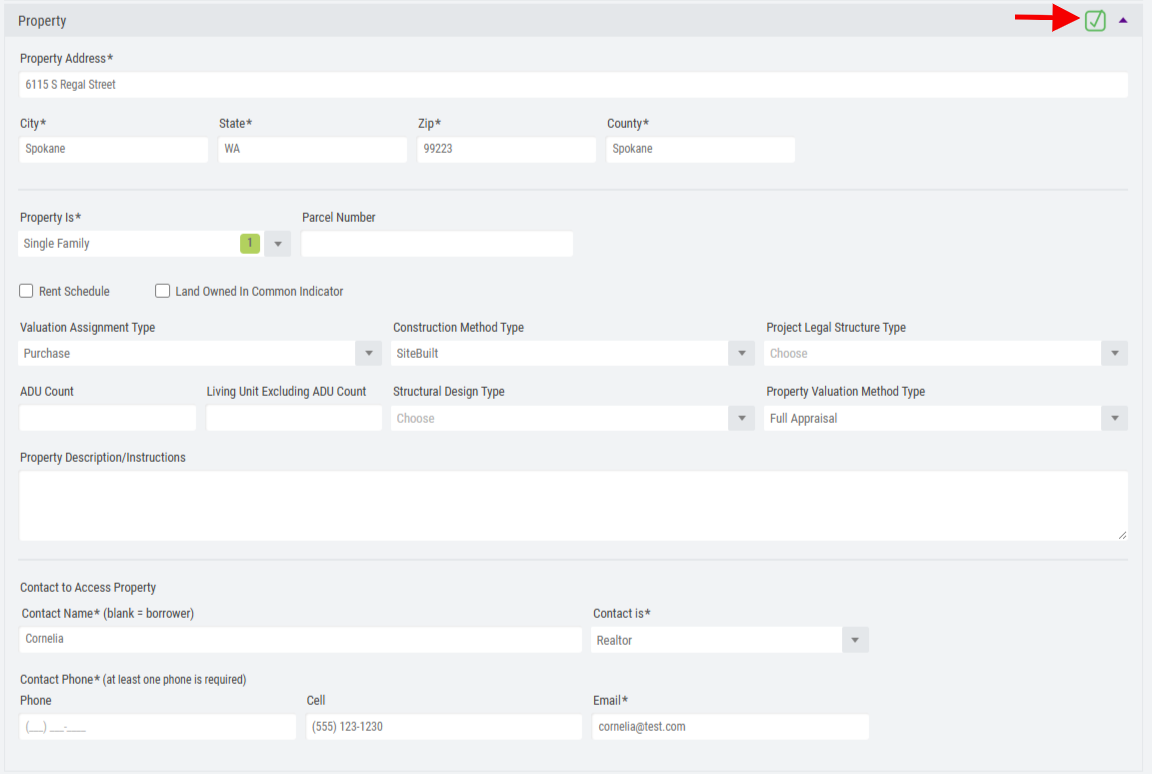
ORDER
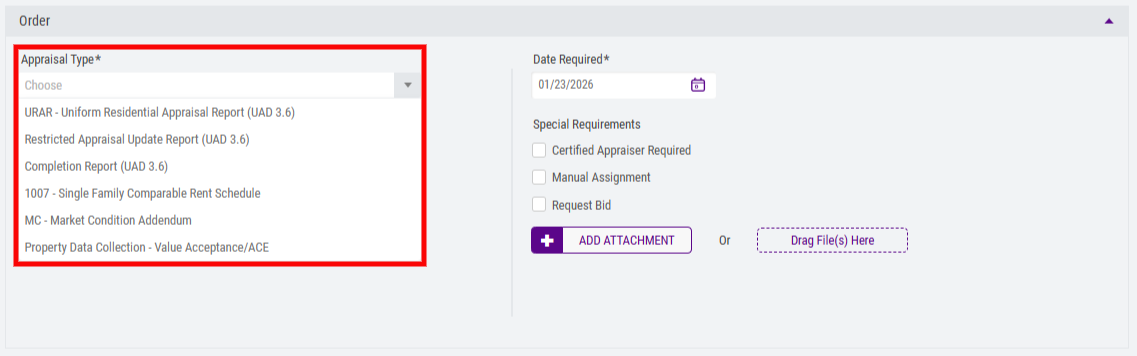
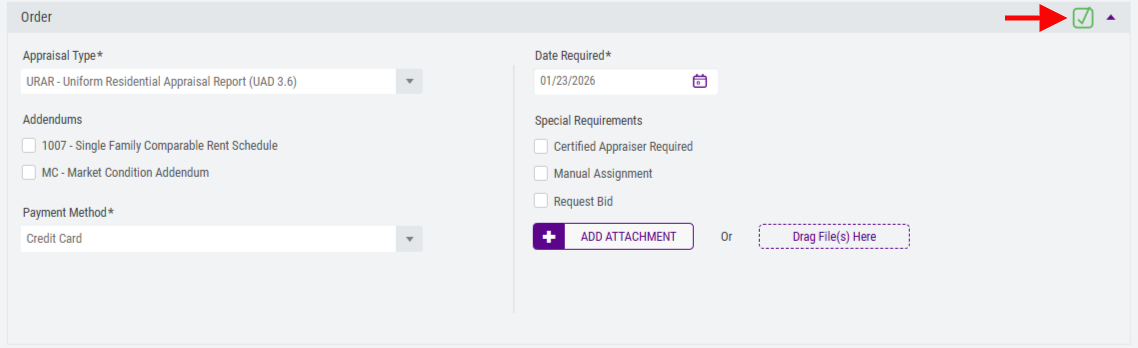
The Order section has been updated to only reflect UAD 3.6's limited Appraisal Type forms. 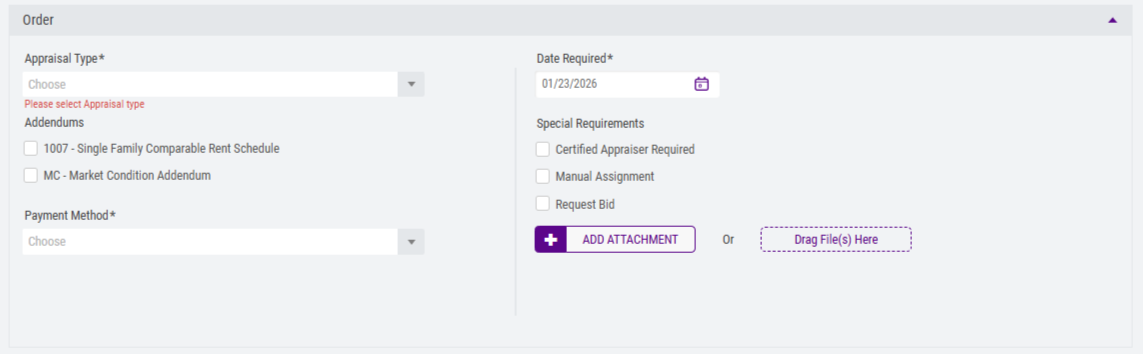 Users will experience a small list of options, i.e., URAR - Uniform Residential Appraisal Report (UAD 3.6), Restricted Appraisal Update Report (UAD 3.6), etc.
  Once the Payment Method has been selected and all required fields have been provided, a green checkmark in the right-hand side of the section will be displayed.
PAYMENT
Orders being placed with a credit card, bank account, or eCheck, will create a new Payment section. Once all required fields have been provided, a green checkmark in the right-hand side of the section will be displayed. 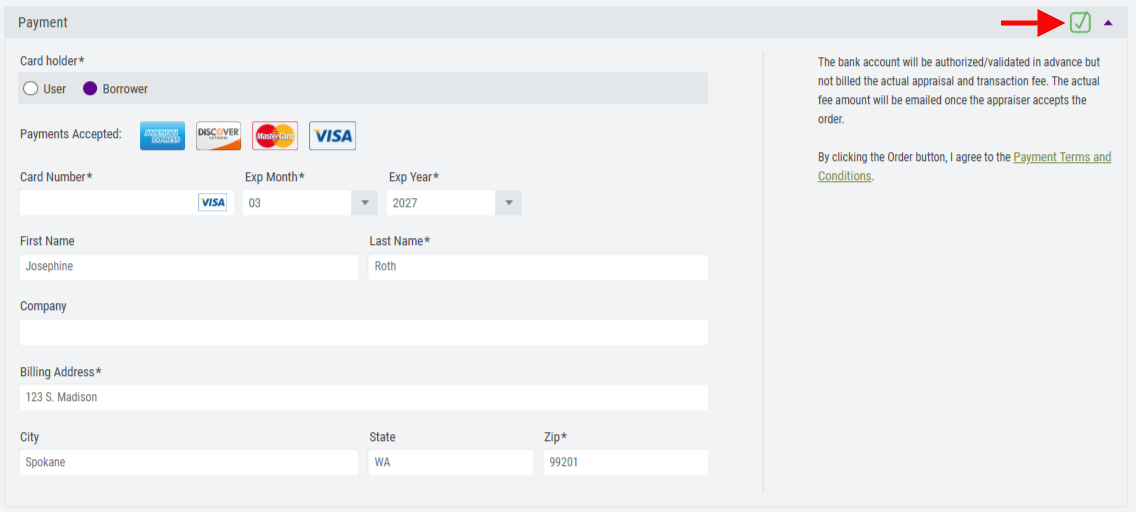
PLACING THE ORDER
The Order button at the bottom of the screen will enable once each section has fulfilled the required fields. Choose Order to create and place the order. Users can select Cancel, which will return the user to their dashboard and therefore cancel the creation of the order.

Users will experience the Placing Order overlay.
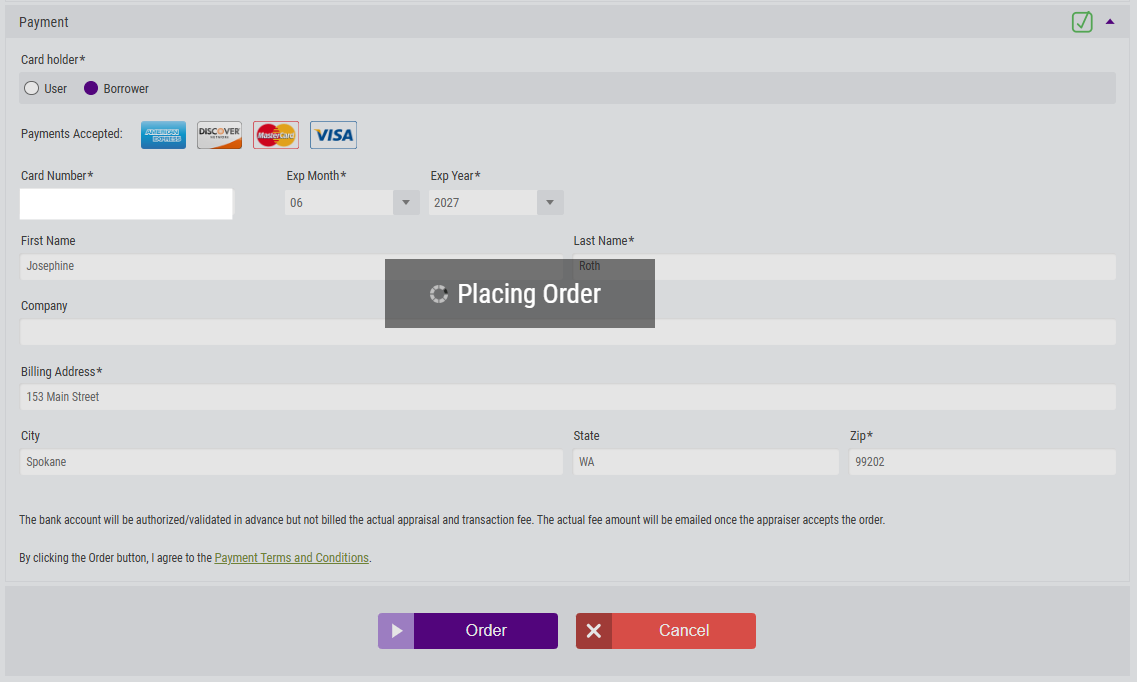
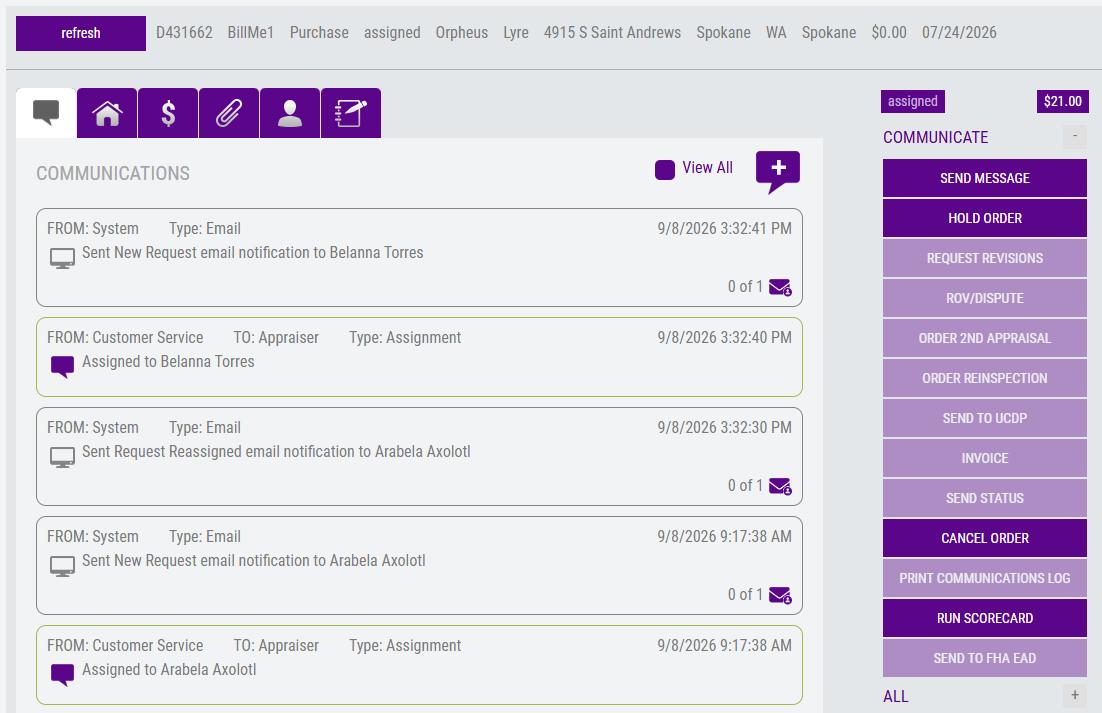
Once the order has been successfully created, the user will be automatically taken to the order's Communications Log.