
Appraisal Firewall X offers the ability for lenders to order Broker Price Opinions (BPOs) as an extension of our Valuation products catalogue. In addition to AVMs, PCRs, Scorecard, and the Verisite suite of products, Appraisal Firewall X has several appraisal report alternatives for loan processing teams to tailor to their borrowers' needs. This guide explains how to enable BPOs as a product offering to your clients, and how to place BPO orders.
Content Includes:
Enable BPOs at the Manager Level
Access the Manager Level Settings via the gear icon. 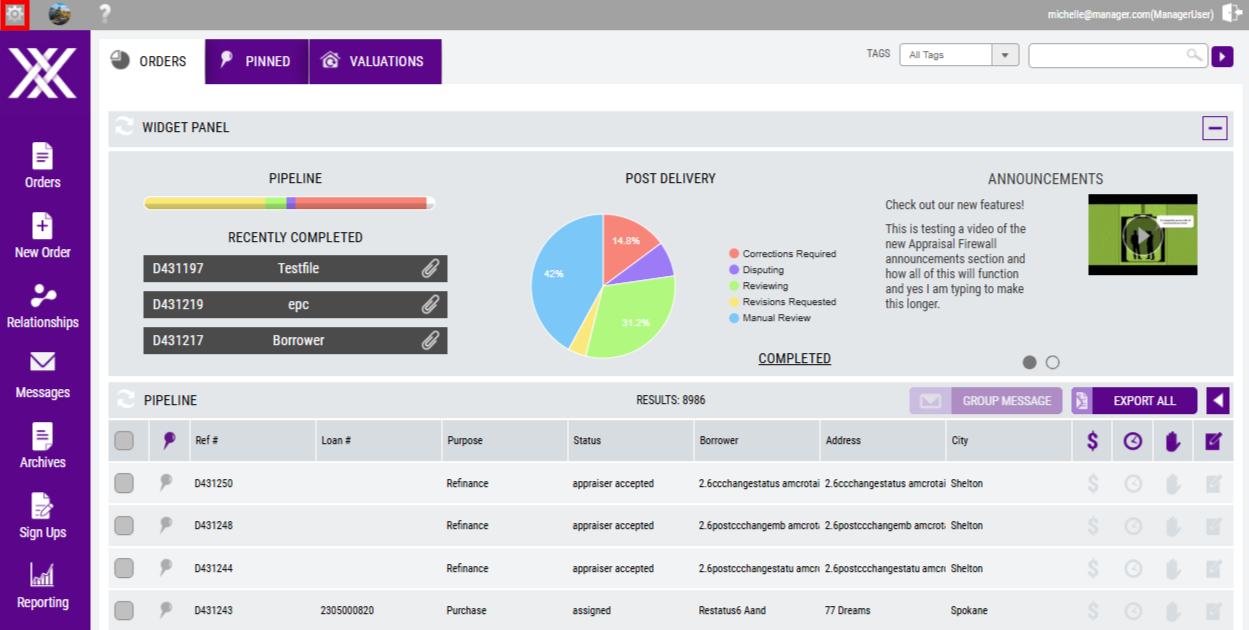
Under the Additional Order Types section, find the BPO products: Exterior BPO and Interior/Exterior BPO.
To enable BPOs as available options for your clients, select the box adjacent to either or both BPO product types.
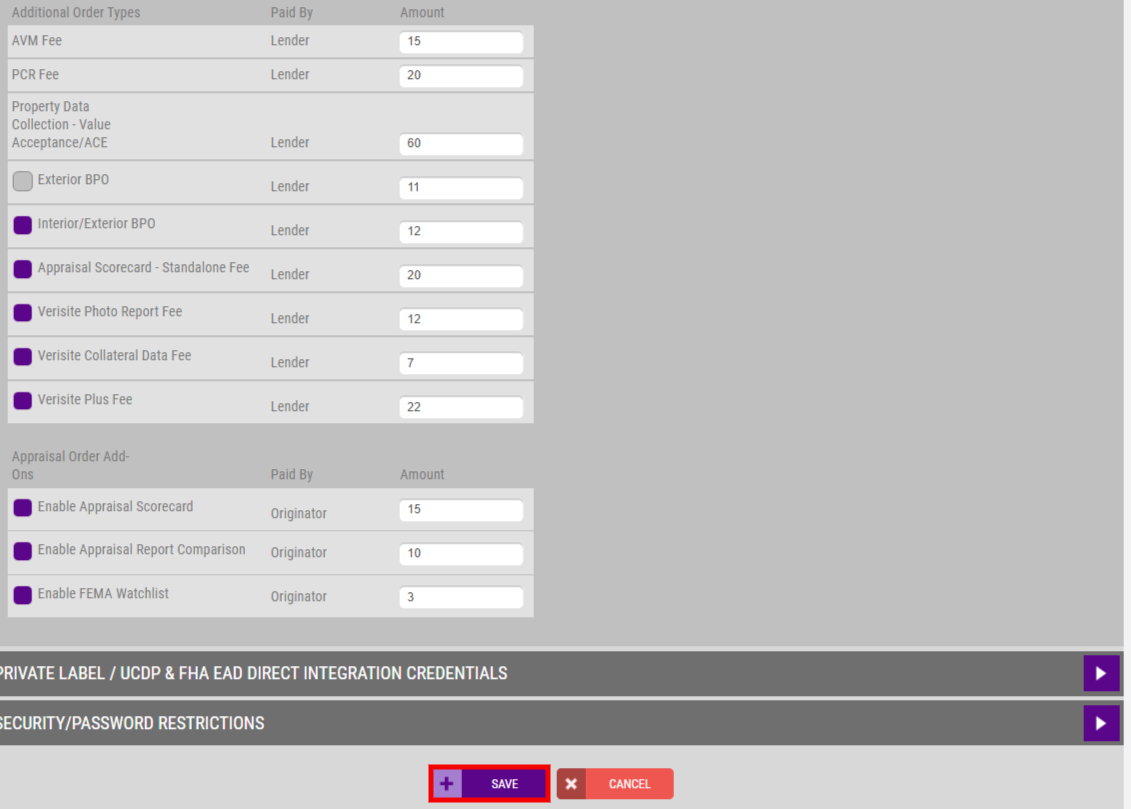
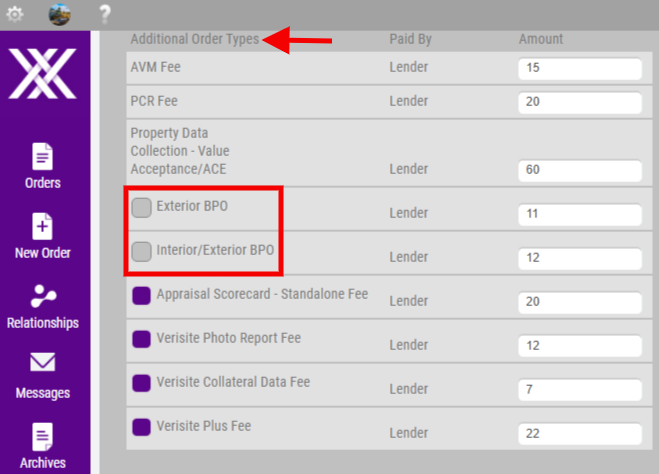 Under the Amount column, enter the fee that will be assessed when clients place BPO orders. NOTE: BPOs are only eligible to be paid by lenders. Once the products and fees have been selected, Save the changes. Use Cancel to restore changes to the previously saved settings version.
Enable BPOs at the Division Level
After BPOs have been enabled at the Manager level, the products can be enabled per client and per client division. NOTE: Only Managers and Administrators have access to enable/disable product types. To allow ordering for a particular client, perform the following steps:
- Access Relationships from the navigation menu.
- Expand a client's profile.
- Choose Manage Divisions.
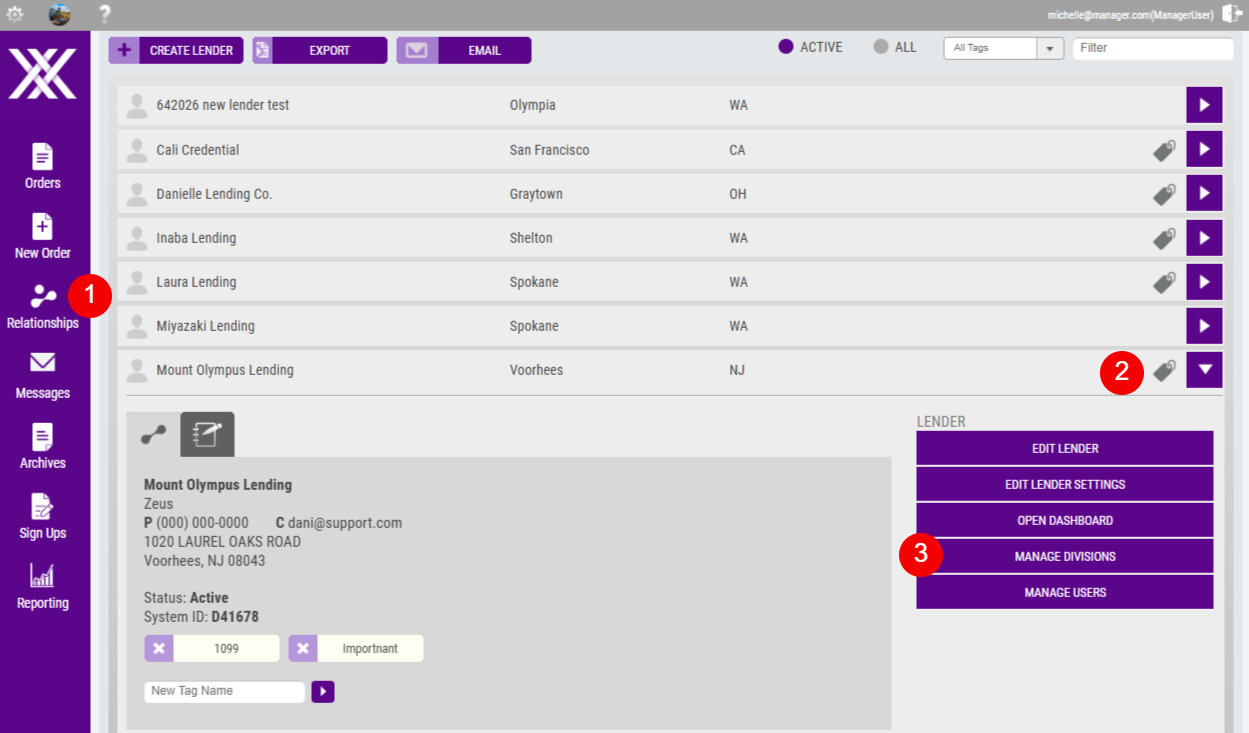
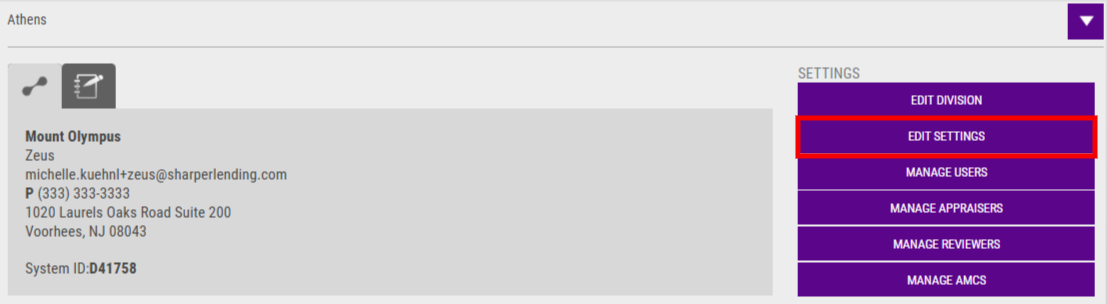
From the Divisions list, expand the appropriate division BPOs should be available for ordering, and select Edit Settings.
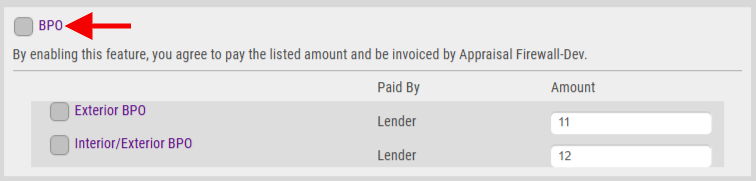
Expand the Billing/Services section. Select the box adjacent to BPO to enable the product for ordering.
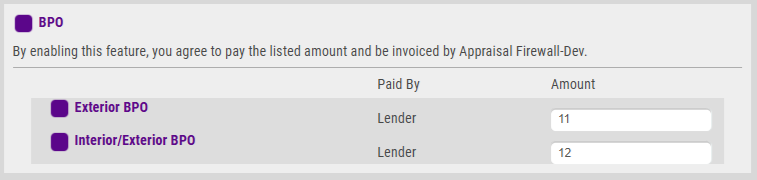
To ensure BPO products are available, select one or both BPO products. NOTE: Only Managers have the ability to change the product fee amount. Administrators are restricted from editing the fee.
 To ensure the product is set up for ordering, select Save at the top of the Billing/Services section.
How to Place a BPO
From the New Order navigation menu, clients must select the Valuation product type. 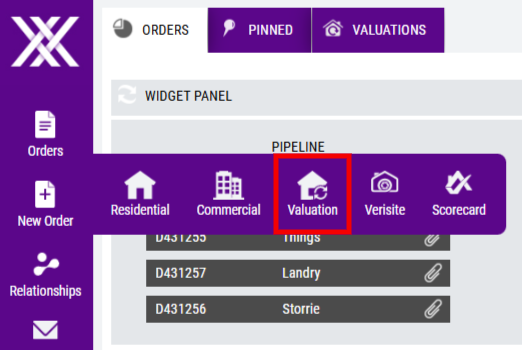 NOTE: when logged in as a Manager User, Managers must select a lender first before launching the new order screen. Fill out all required fields on the order form, as indicated by an asterisk (*). Within the Order section, any BPO products enabled on the division will be listed on the Valuation Type dropdown menu.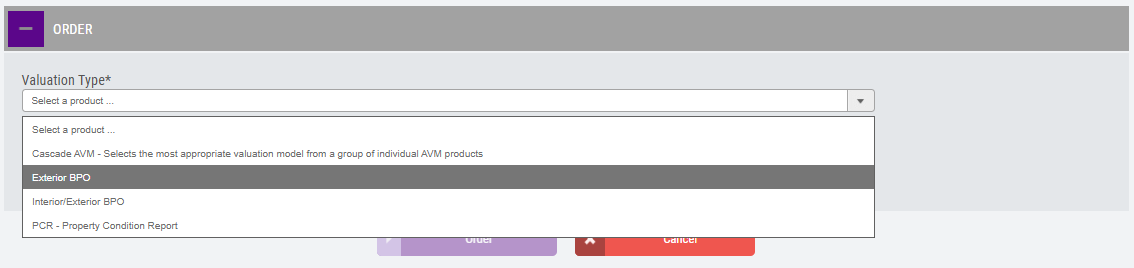
Choose the appropriate product and select Order to place the order. Reports are typically delivered within 5-7 business days of order placement.